
AI gift cards
DigiBouquet AI is an AI bouquet maker that turns style, mood, and a short note into one vertical gift card. Prefer picking every flower yourself? Use Create Free Bouquet anytime—free—then download or send a private gift link.
100% free to build by hand · AI gifts are pay-as-you-go
Handmade bouquets are always free. Unlock AI gifts whenever you’re ready to send.
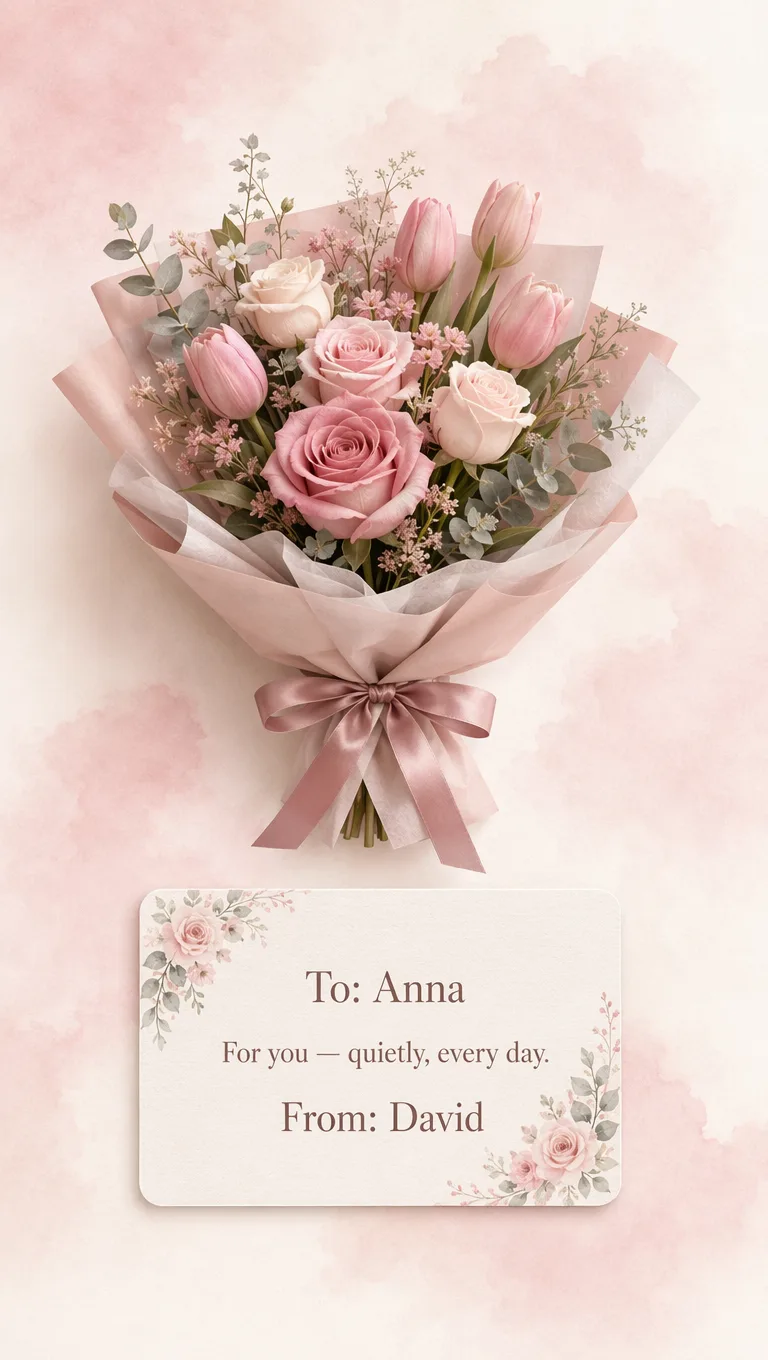
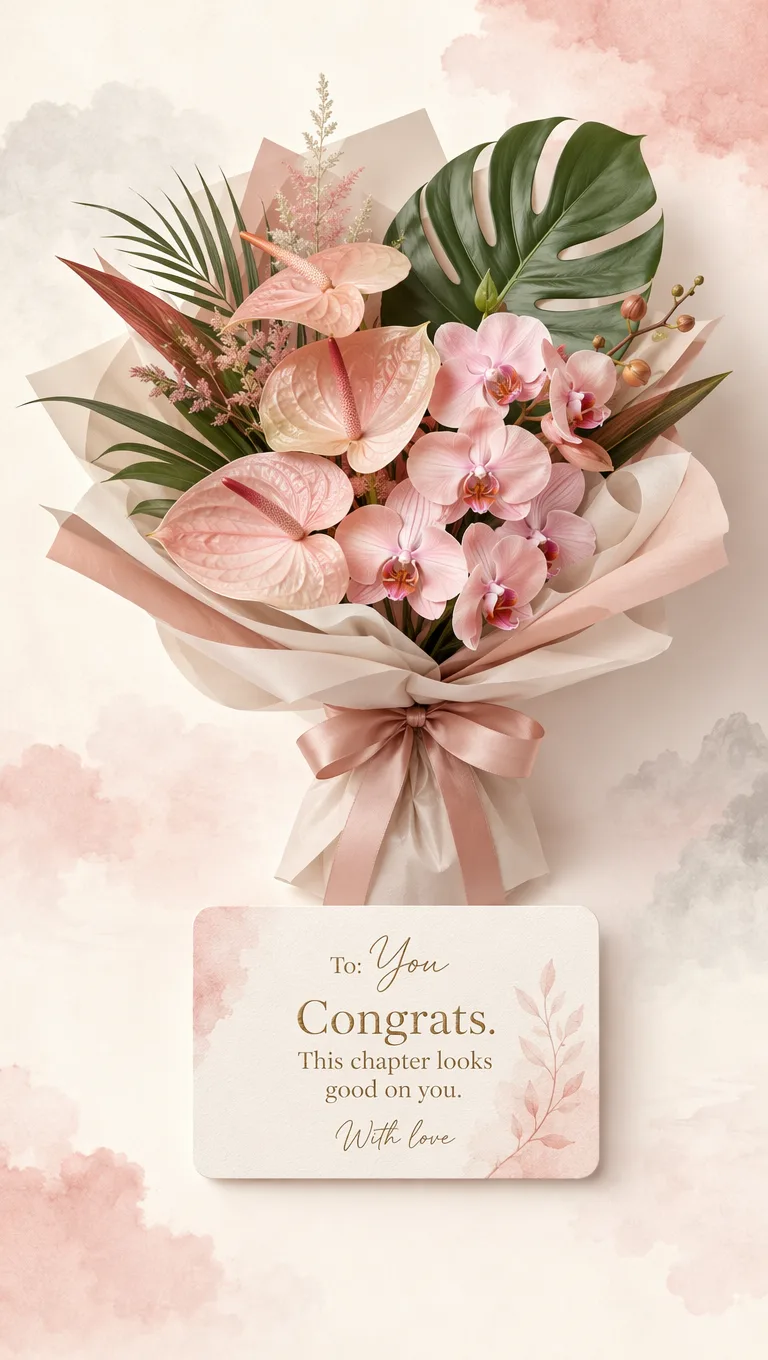
A finished gift-card scene—flowers, message, and mood together—ready to download or share.
One image carries the arrangement and your card text, so the gift feels complete on a phone screen.
Choose art style and lighting, describe blooms and wrap, add To / From / Message, then generate.
Send a link they open with no app, or download a phone-ready image when you need a file for chat.
Tap a card to open the generator with this look — just add names and generate.
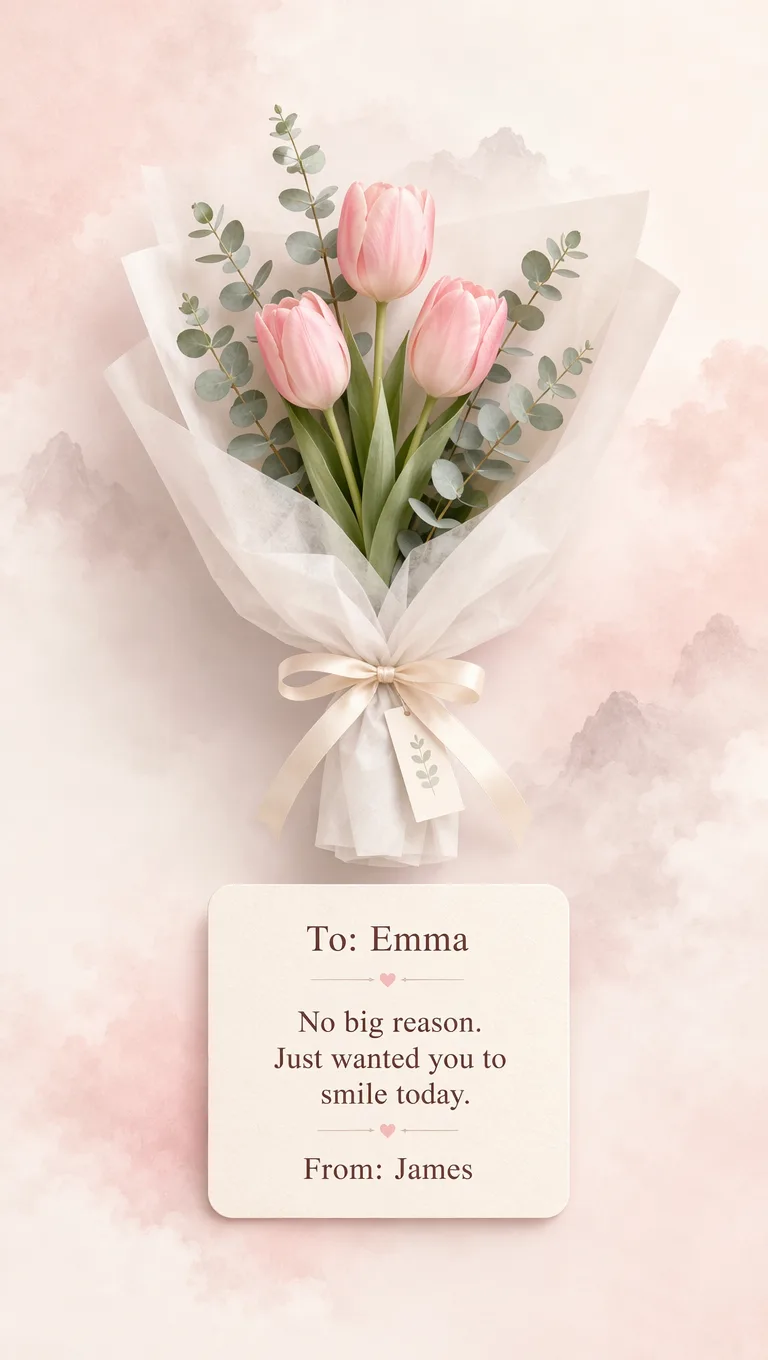
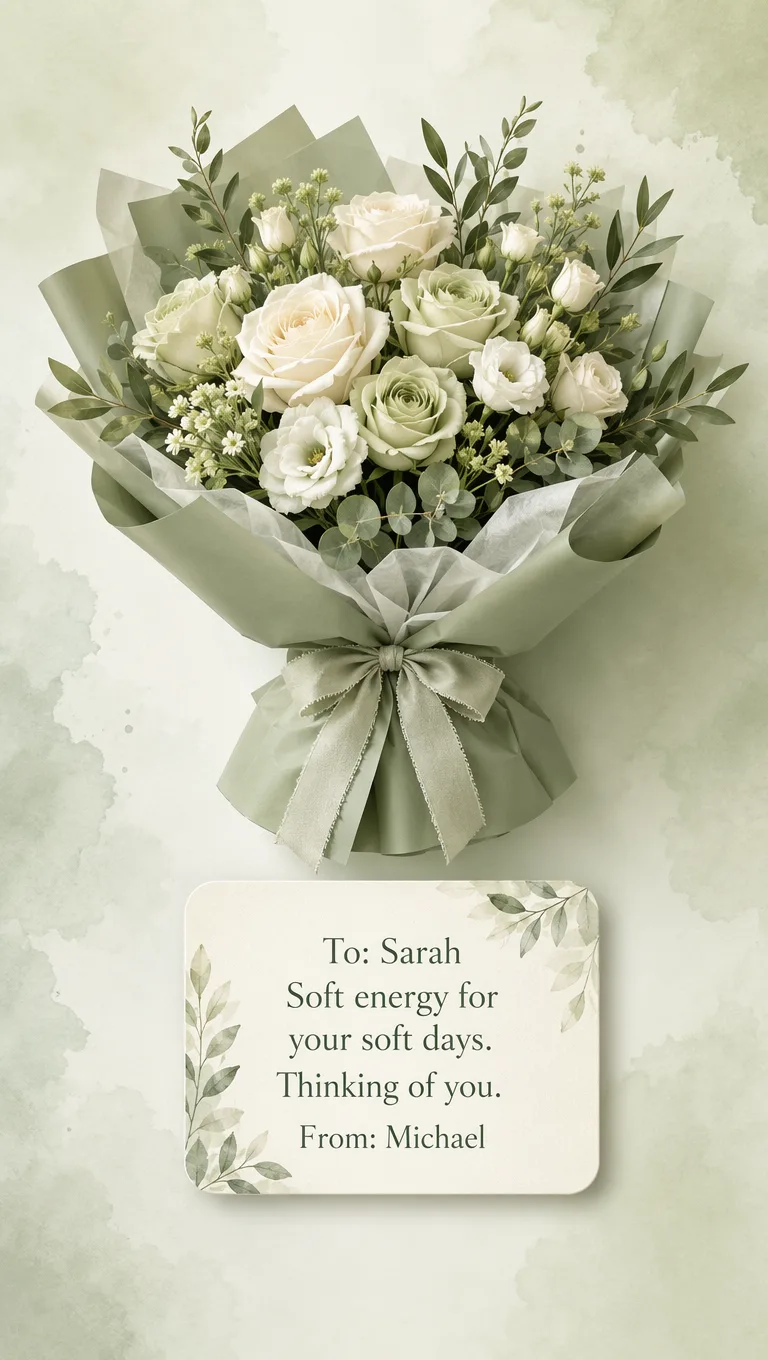
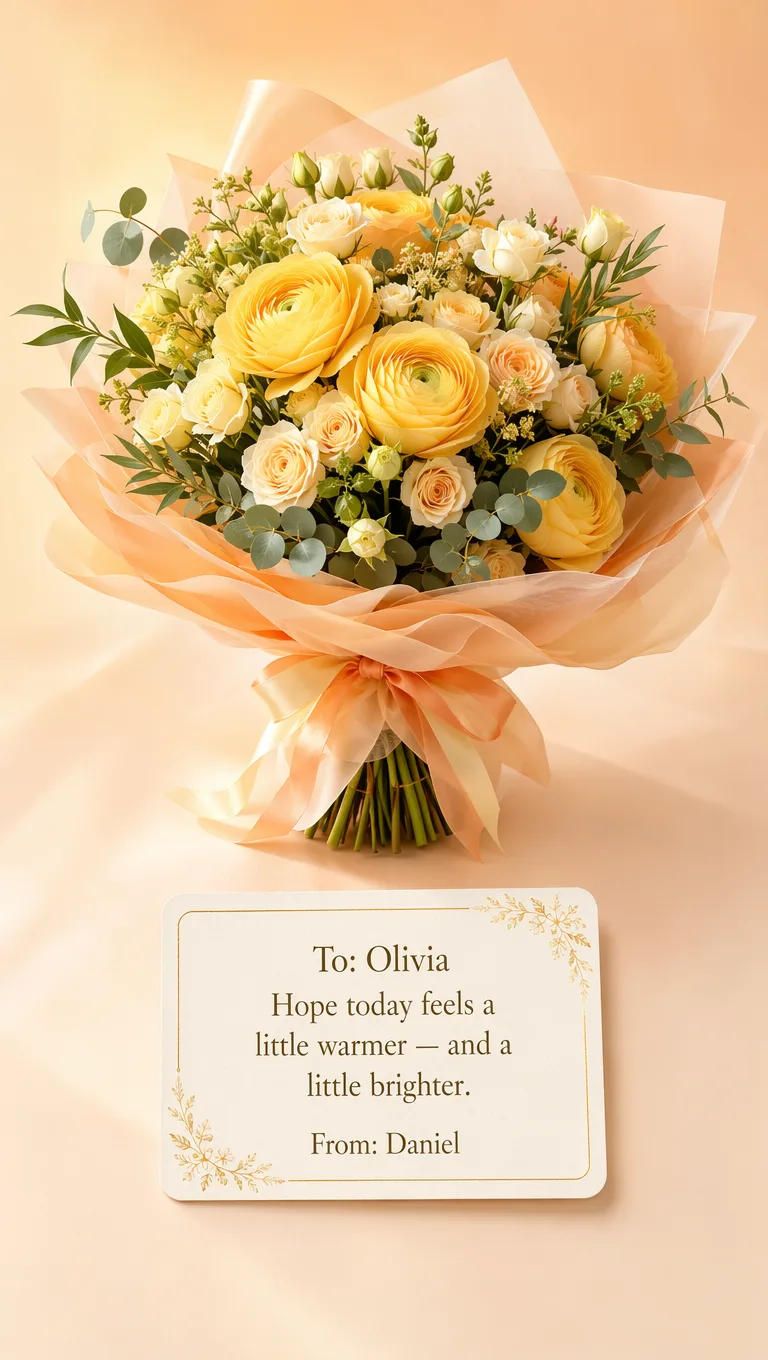
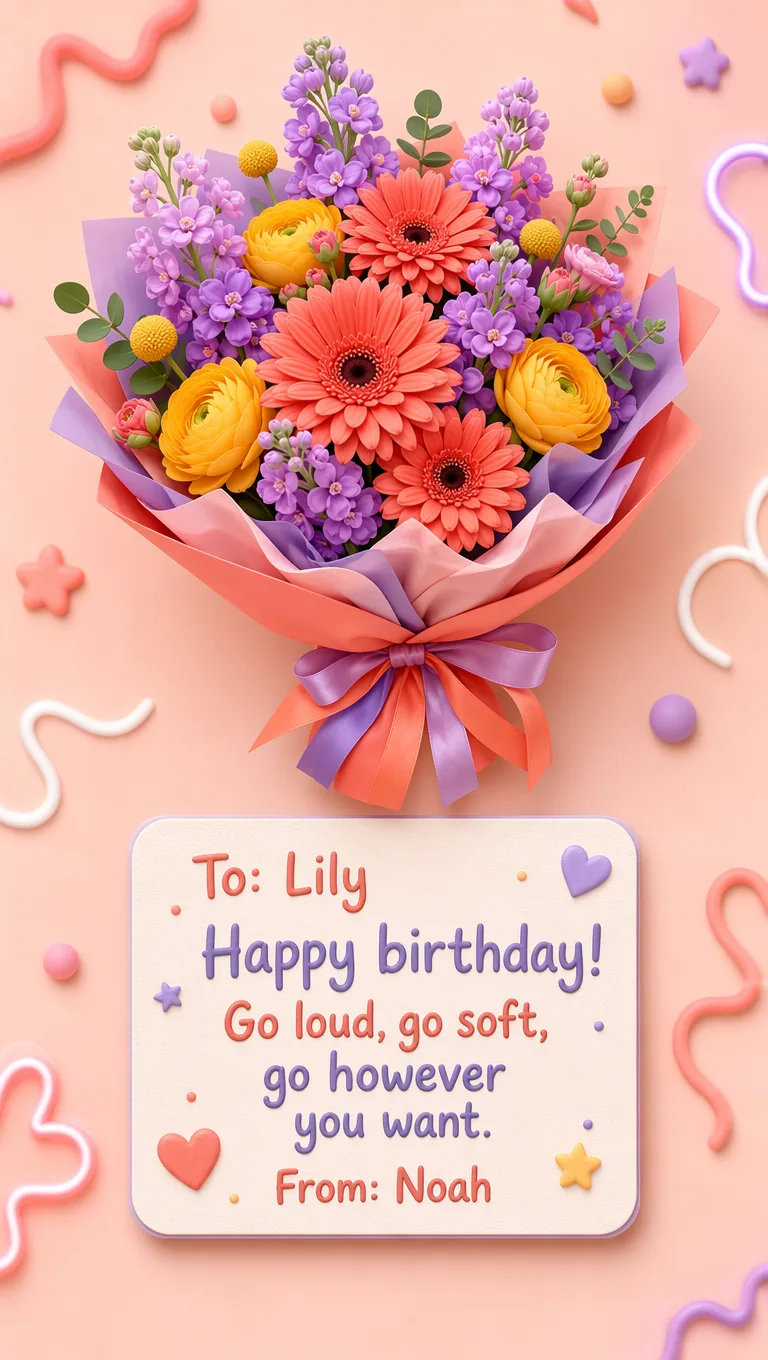
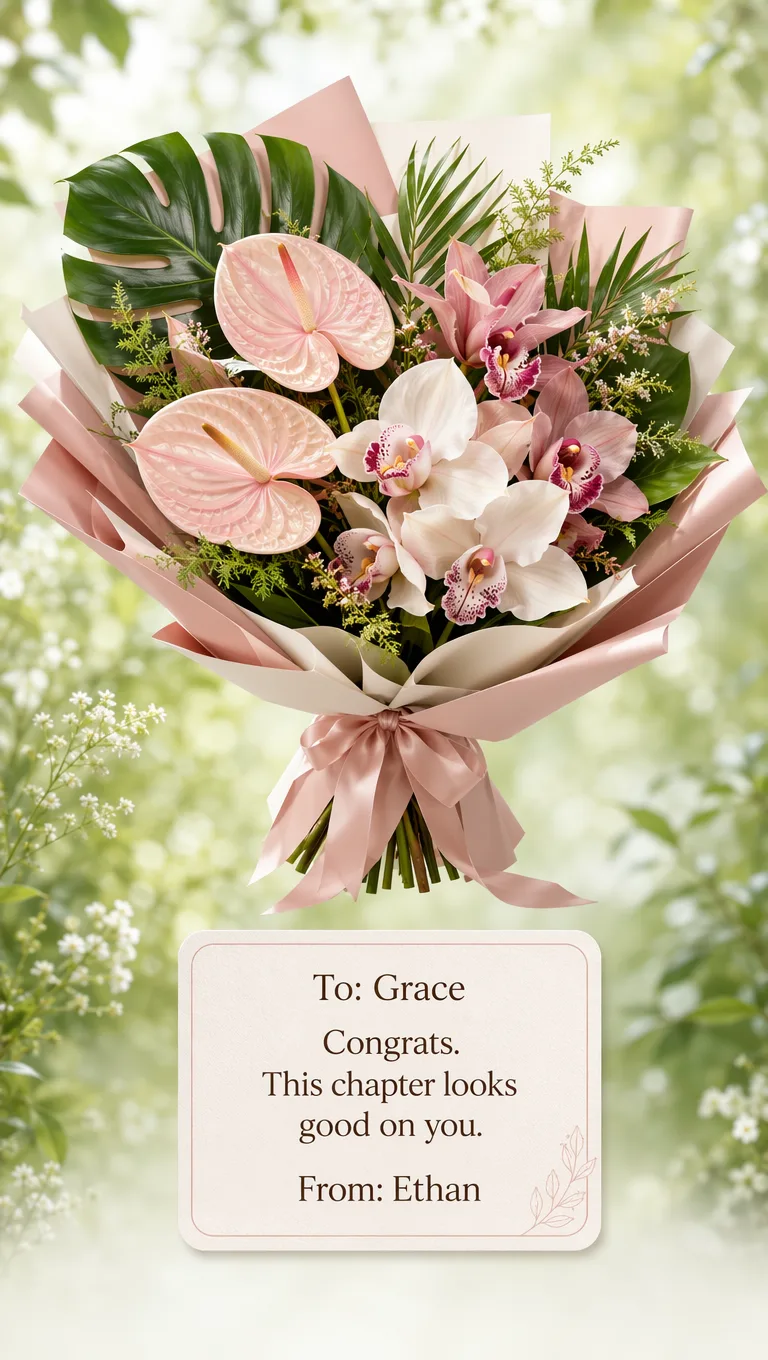
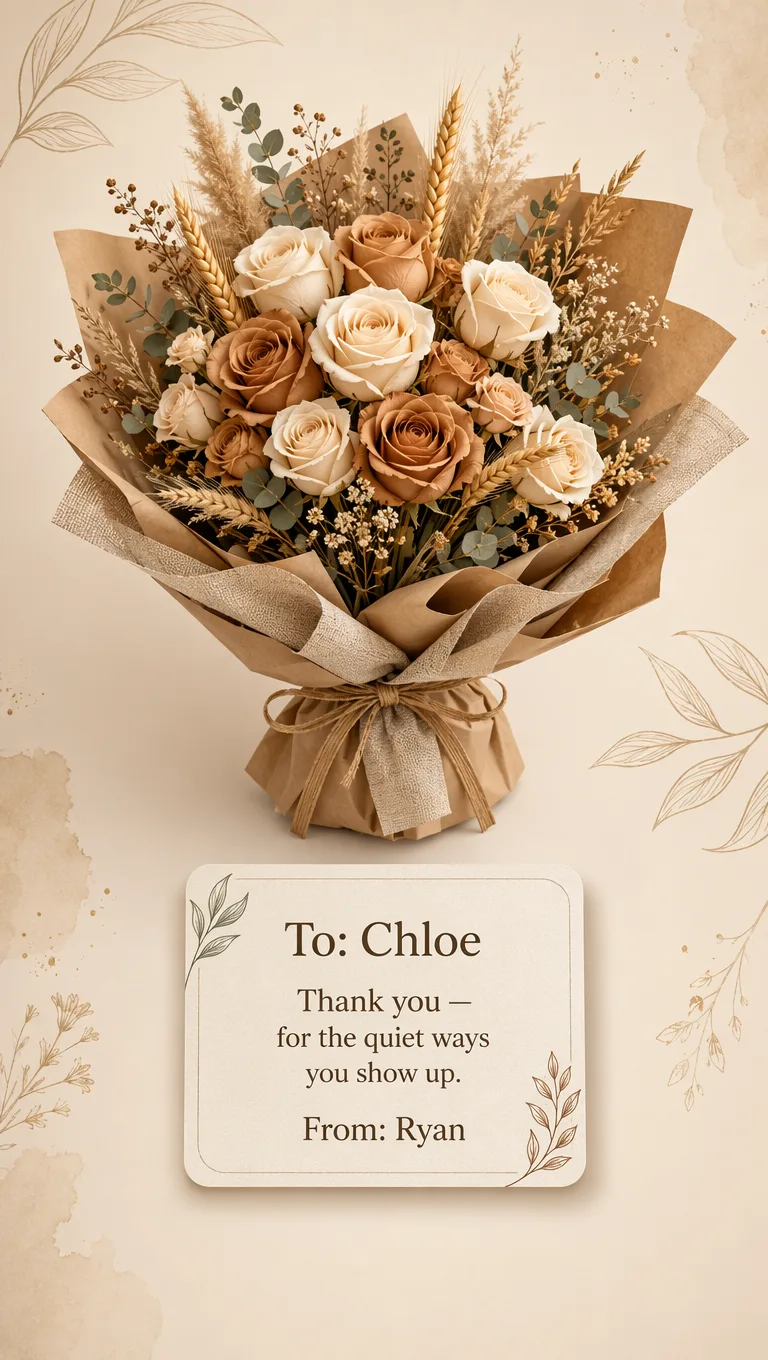
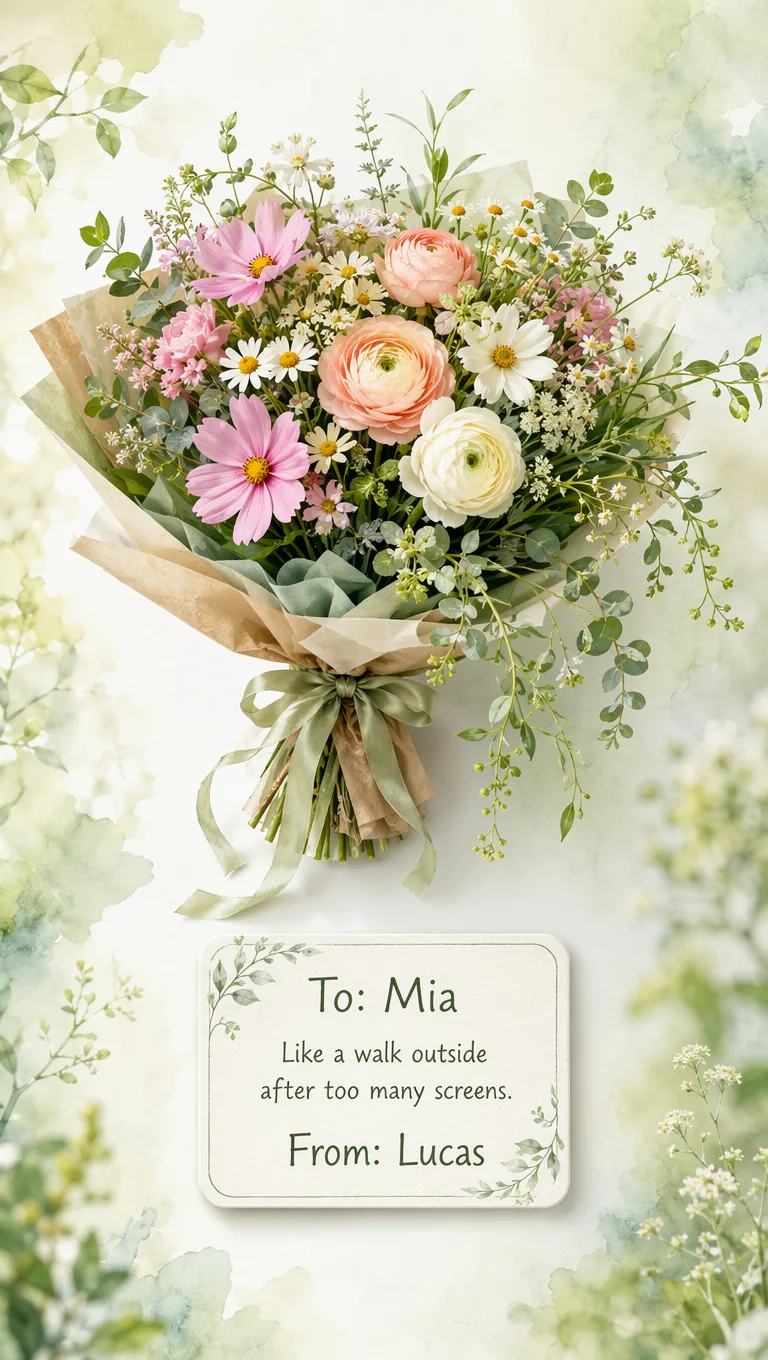
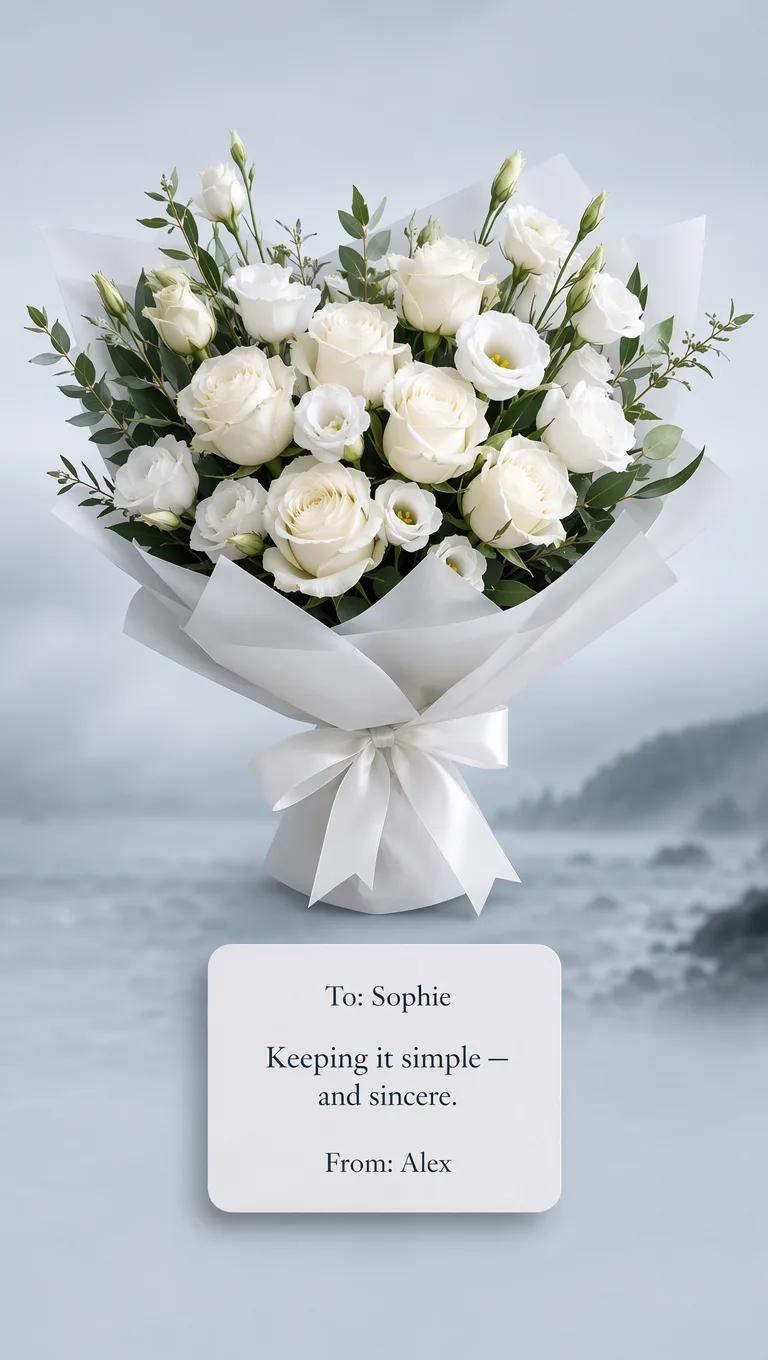
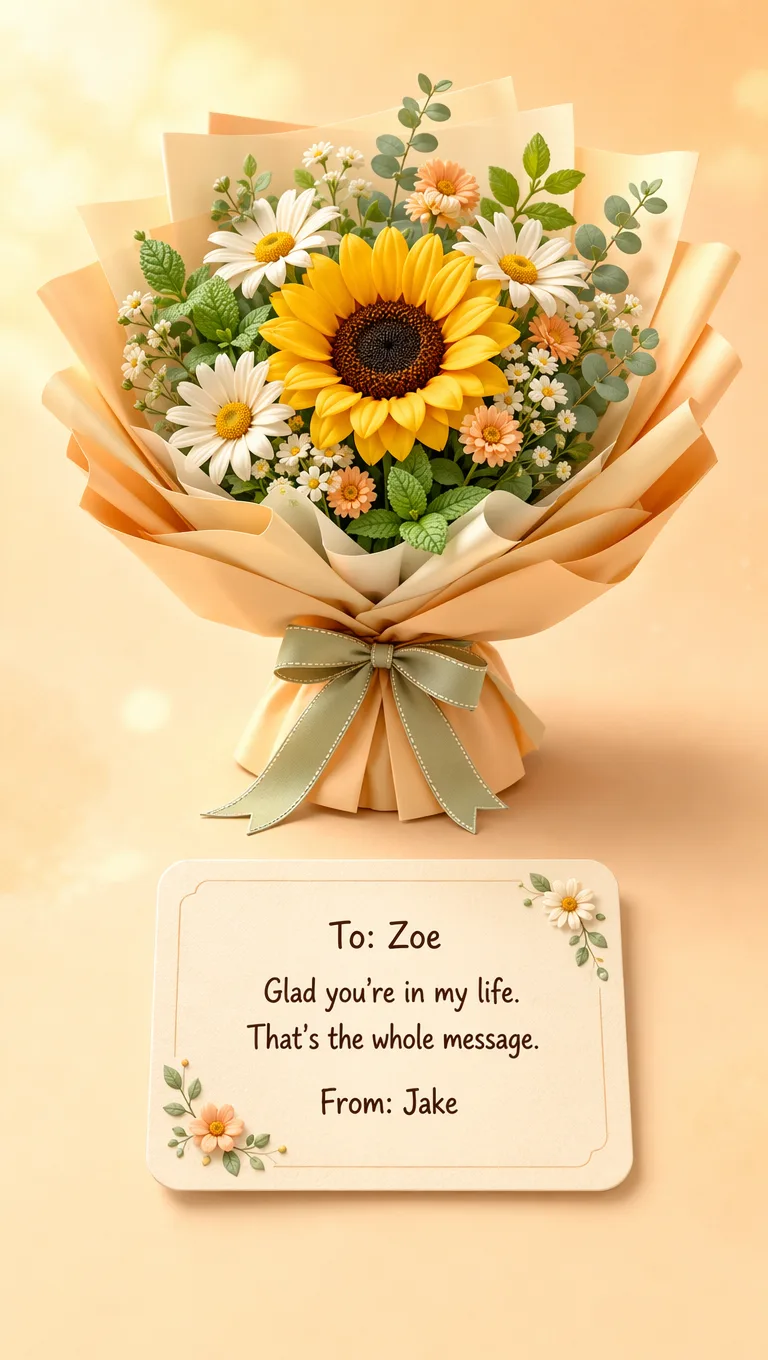
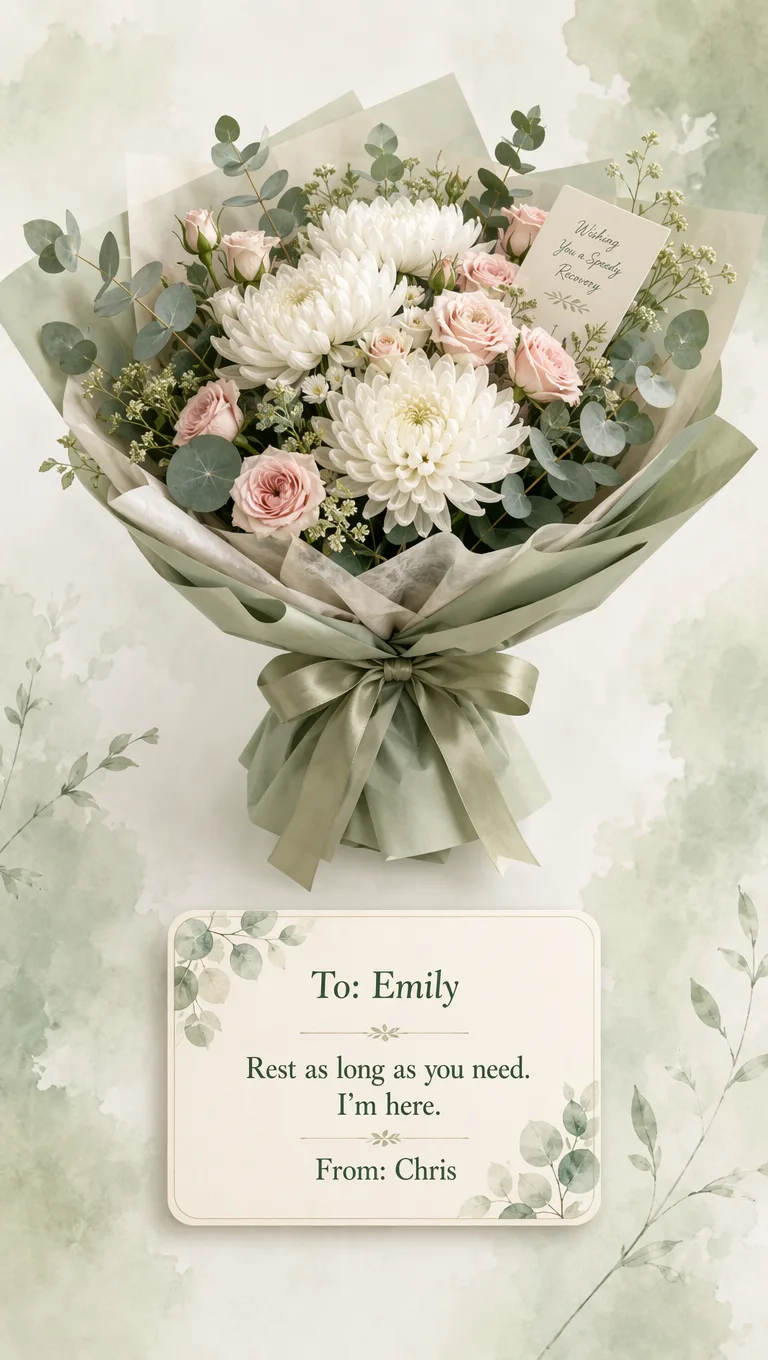
When you want a polished digital flower gift without designing from scratch.
A short prompt becomes a full card—handy for birthdays, long-distance notes, and last-minute thanks.
Your words sit on the card with the blooms, so tone and flowers arrive together.
Use Create AI Bouquet for a finished look. Switch to Create Free Bouquet when you want to pick every bloom by hand—free, no credits.
Sign in for 10 starter credits. No credit card required to start generating.
Everyday occasions—start from a prompt, not a delivery van.
Describe soft pinks and a short note, generate once, then send the gift link while you are still in different time zones.
BirthdayPick a cheerful style, write the birthday line on the card, and download a chat-ready image—no florist cutoff.
ApologyUse a restrained palette and wording that owns it—generate, share one private link, then call.
Get wellGenerate a soft arrangement and a light note; they open the gift page on a phone by the bed.
From idea to shared gift—no design software.
Open Create AI Bouquet, pick look and lighting, describe flowers and wrap—or start from a ready example.
Add recipient, message, and your name so the image includes a real note, not a generic caption.
Generate the image, copy the gift link, or download. Recipients open the page with no app install.
Small habits that keep the card readable and the mood clear—without burning credits on random rewrites.
“Soft pink anniversary, quiet evening light” works better than a long list of flower names alone. One clear mood plus a short occasion cue helps keep color and lighting consistent across the card.
Two to four lines look best on the card. Save the full story for a call after they open the gift. If a sentence feels long, split it—short lines read better on a phone outdoors.
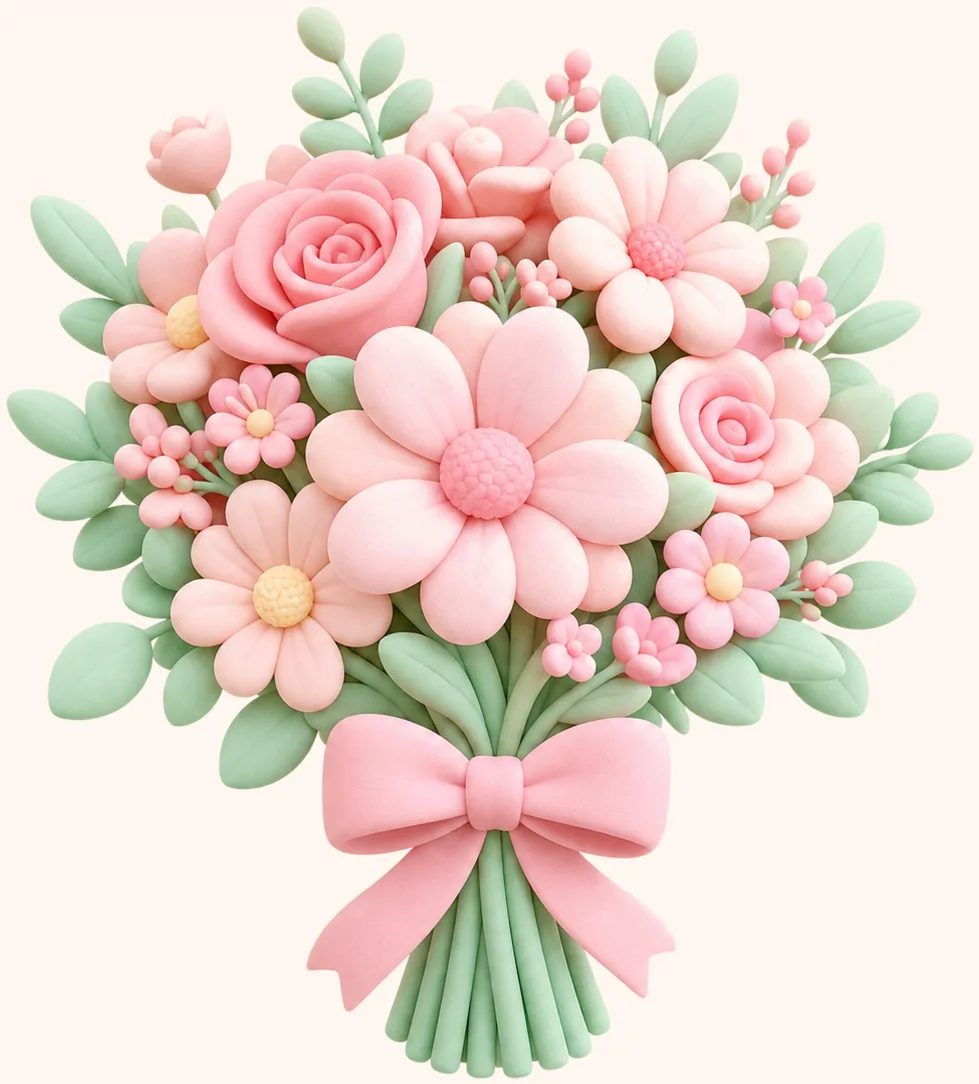
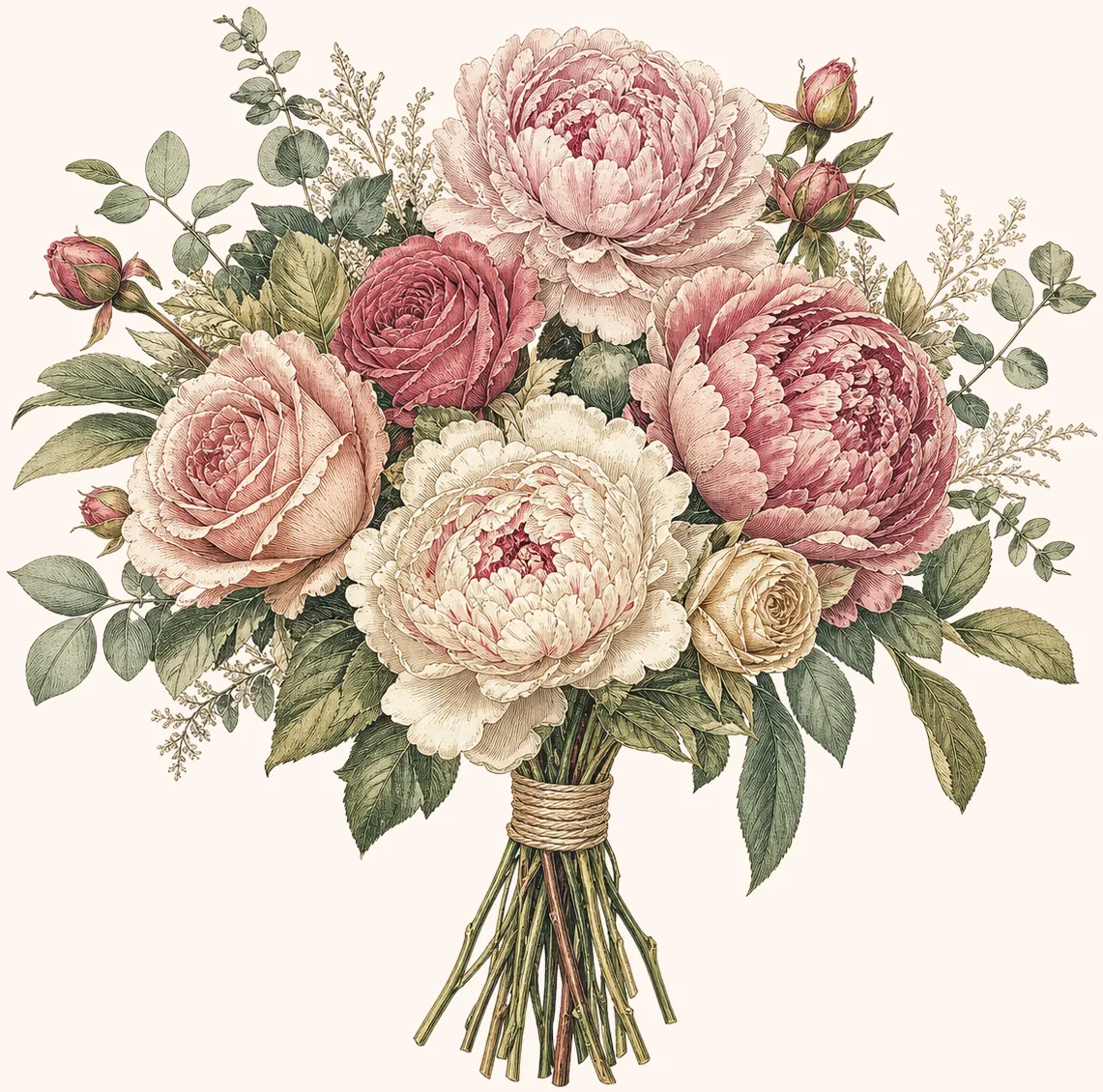
Cute 3D suits friends and birthdays; quieter botanical looks suit apologies and formal thanks. When unsure, pick a calmer style and let the wording carry the emotion.
Send yourself the gift link so you know how it opens on mobile. Check that names look right before you send it for real.
If the first image is close, change only one thing—palette, wrap, or message—then generate again. Big random rewrites waste credits and make it harder to see what improved.
A link gift feels warmer when you can reply after they open it. A simple “saw it—call when free” keeps the moment two-way.
Free classic bouquets anytime. Unlock AI gifts with a one-time payment — $2.99 once, or $19.90 for 20. No subscription.
Straight answers before you generate.
A tool that turns a short description plus your card text into a finished digital flower gift image. DigiBouquet AI makes a full gift-card scene you can download or share as a link.
Practical reading for flower choice, message tone, and when free building or AI Bouquet fits the moment.
Lower-waste gift ideas — and when a digital bouquet can be a meaningful alternative to a physical arrangement.
Grief, funeral timing, remembrance, and how to write without causing extra harm.
Calm presence over forced positivity — for hospital recovery and home rest.
The pages most people read before their first Create Free Bouquet or Create AI Bouquet.
Decide the purpose, pick Create Free Bouquet or Create AI Bouquet, write the note, and send well.
Turn DigiBouquet AI flowers into a practical decision system — relationship, tone, and situation.
Openers, appreciation, check-ins, support, and long-distance wording without sounding generic.
Sign in for 10 starter credits—no card needed. Or build a free digital bouquet by hand if you prefer full control.